If you run a business that lives on appointments, you already know the hardest part of the day usually isn't the work itself. It's everything around it. It's 9 PM and your phone buzzes: "any chance you can fit me in Thursday?" You thumb out a reply. Next morning you open the book and spot two clients penciled into the same slot. And then there's that half-legible "M.K." in the margin that could belong to any of three people in your contacts.
Calemio exists to take that weight off you. Put simply, it's an appointment and business management app built for any business that runs on bookings. Salons, clinics, dentists, vets, studios, spas, lawyers, photographers. Anywhere a customer asks "when are you free?"
This guide walks through three things: what Calemio actually is, the problem it solves, and how it works in your day-to-day.
What Is Calemio?
The short version
Calemio is an appointment and business management app for any business that runs on bookings. It pulls online scheduling, automated reminders, digital client records and an AI assistant called Mio into one flow. It works across iOS, Android and a web portal, all in real-time sync. Currently in Beta.
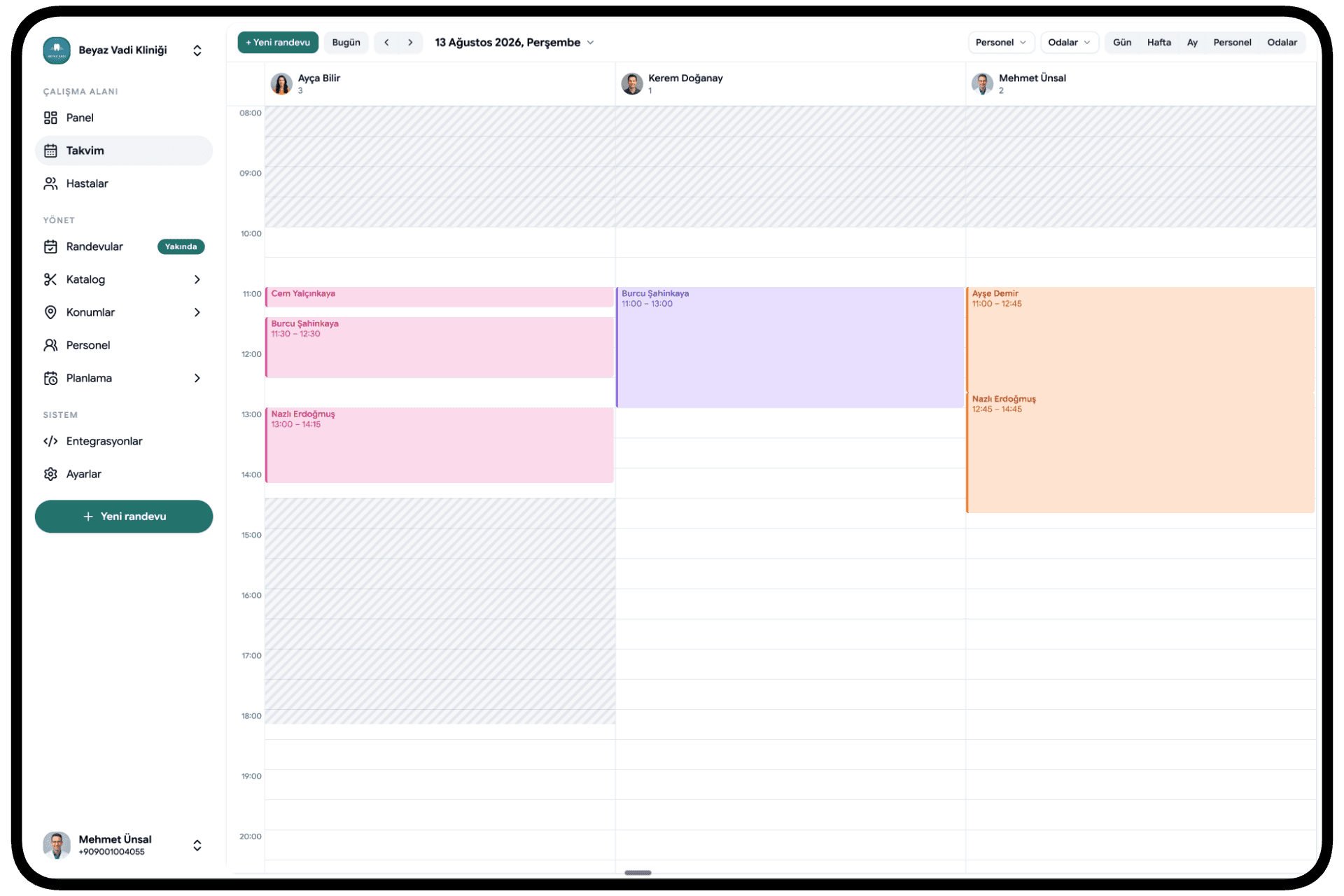
A paper appointment book stores a date and a time. That's where it stops. Calemio moves the whole flow around the booking online instead. The appointment isn't in one place, the client's details in another, and the reminder text in a third. It's all on one screen, in one card.
The app runs on iOS and Android (live on the App Store and Google Play) and through a web portal. The two stay in real-time sync: a booking you take on your phone shows up on the desktop instantly, and a note your front desk adds appears in your pocket. It's currently in Beta, so the product is actively growing.
The core idea fits in one line: never miss another appointment. Let the admin run itself in the background so you can give your attention to the person in front of you.
What Problem Does Calemio Solve?
Running things off a notebook, a spreadsheet and WhatsApp has two quiet problems. One is time. The other is trust.
The time side is simple but draining. Manual systems creak the moment you grow. Up to ten clients, you'll cope, you really will. Then the numbers climb and you notice a few hours a week vanishing into confirming appointments, typing messages and untangling clashes. The odds of a double-booking climb right along with your client count.
The trust side is quieter but weighs more. A client's phone number, their visit history, your notes. When those live in scattered files, screenshots and someone's desk diary, they're both easy to lose and easy to expose.
Calemio takes both loads at once. Open slots are clear, clashes get blocked before they happen, reminders send themselves, and every client gets a single digital card. You do your work while the app runs the business behind you.
Mio: The AI Assistant That Handles Your Front Desk
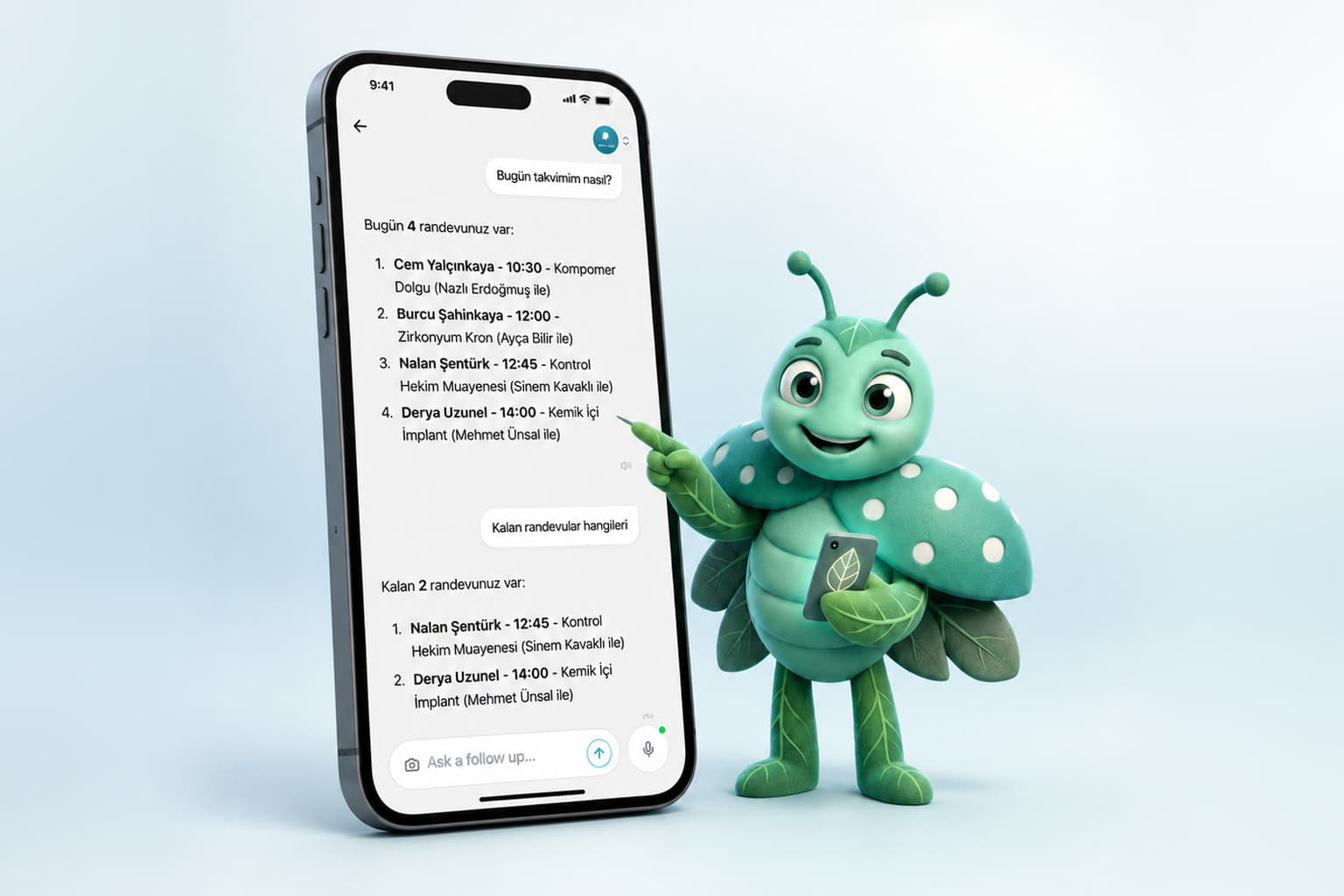
The part that sets Calemio apart is Mio. Think of Mio as a digital receptionist: it opens appointments, chases confirmations, and follows up with the people who don't show.
You talk to it in plain language. Say "book Mr. Demir in for Tuesday at 2 PM" and Mio holds the slot. If they're new, it sends an intake form on its own; if they're a returning client, it fires off the confirmation. It understands voice commands too, and reschedules when it needs to.
The reminders are where you'll feel it most. Mio sends an automatic SMS or push notification 24 hours and 2 hours before every appointment. The result: no-shows drop noticeably, and you stop typing the same message over and over. Mio speaks in the client's language, respects quiet hours, and pulls up a person's history before they walk in. The full Mio, voice commands and rescheduling included, comes with the Practical plan. For a closer look at everything it does, see what Mio is and what it does.
A 24/7 Online Booking Link
Your clients can see your open slots any hour of the day, book even outside your working hours, and get an instant automatic SMS confirmation. No more waiting up for the midnight "are you free tomorrow?" text. They check, they book, done.
You set your working days, appointment lengths and the "buffer time" between bookings just once. The rest runs itself: what's open and what's taken is clear at a glance. We break down how that flow works in the piece on the online booking link.
Moving From a Notebook to Digital
The worry we hear most often: "Do I have to type years of records in by hand?" No.
Photograph a page of your old notebook or client list and Mio's AI reads it with OCR in seconds: name, contact details and visit history land in the right fields automatically. Review what it read, approve it, and the rest of your list moves across the same way, page by page. Years of work don't get thrown out. They move across.
Who Is It For?
Calemio wasn't built around one single industry. The common thread is simple: if you run on appointments, it fits.
- Solo operators get a clean interface, quick setup and automatic reminders.
- People running several separate businesses get isolated workspaces: each business keeps its data apart (one never leaks into another), you switch between them in seconds from the account badge at the top right, and one subscription covers unlimited businesses.
- Chains with connected branches get Pro: shared client records, appointment transfers between branches, role-based permissions, unified reporting and commission tracking.
If you're wondering which setup suits you, the Calemio features guide is a good place to start.
Security and Data Privacy
Client data is sensitive, and Calemio is built accordingly. Data is protected with two-layer AES-256 encryption, both at rest and in transit; connections are secured with TLS 1.3. Your notes are stored under a zero-knowledge architecture: nobody else can read them, not even the Calemio team. The encryption key lives only on your device.
Calemio is KVKK and GDPR compliant by default, not a setting you flip on later. A Data Processing Agreement (DPA) is available on request. Your data can be exported whenever you like, and it belongs entirely to you. In short: the data is yours, not the software's.
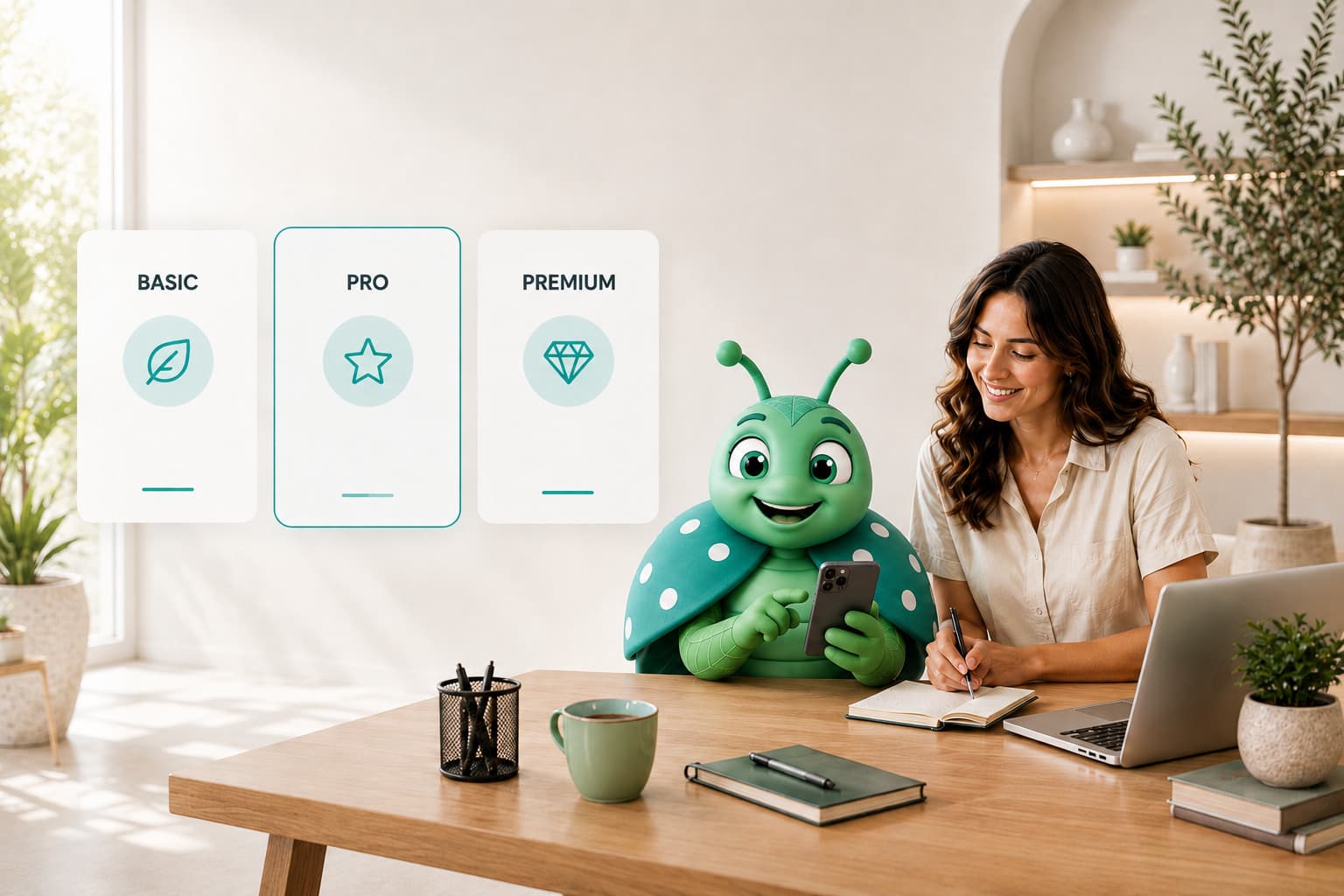
Pricing: The Short Version
No annual lock-in, cancel with one click.
- Free: Free forever. Individual use, a personal calendar view, and viewing appointments assigned to you.
- Practical (most popular): check the app for current pricing. Unlimited clients and appointments, the full Mio, SMS & WhatsApp reminders, custom forms and templates, revenue & occupancy reports. Starts with a 14-day free trial, no credit card needed.
- Pro (enterprise): custom pricing, worked out with the sales team. Multiple branches, teams, roles and commissions, ready-made invoicing, priority support. Comes with a 14-day free trial.
We'd suggest confirming current prices on the site or in the app, since they can change. For the full breakdown, see Calemio pricing and free trial.
In Short
Calemio won't do your actual work for you. It shouldn't. But it takes everything around the work off your plate: the message-typing, the book-flipping, that low hum of "did I forget an appointment?" Open the app in the morning and the day is laid out for you. Close it at night and tomorrow's reminders have already gone out.
Whether you work solo or run a handful of branches, the fastest way to get your evenings back is to trade the notebook for a system. You can start a free trial, no credit card needed.
Frequently Asked Questions
I run a salon. Would Calemio actually fit my business?
Calemio wasn't built around one industry. Salons, clinics, dentists, vets, studios, spas, lawyers, photographers. Anywhere a customer asks "when are you free?", it fits. There's a setup for you whether you work solo, run several separate businesses, or manage a chain of connected branches.
When does Mio send its reminders?
Mio sends an automatic SMS or push notification 24 hours and 2 hours before every appointment. No-shows drop noticeably and you stop typing the same message over and over. It also speaks the client's language and respects quiet hours. The full Mio, voice commands and rescheduling included, comes with the Practical plan.
Do I have to type years of notebook records in by hand?
No. Photograph a page of your old notebook or client list and the AI reads it with OCR, so names, contact details and visit history land in the right fields automatically. Review what it found, approve it, and add the rest of your list the same way as you go.
Can clients book while I'm closed?
Yes. Your clients can see your open slots any hour of the day through the web or the app, book even outside your working hours, and get an instant automatic SMS confirmation. You set your working days, appointment lengths and the buffer time between bookings just once, and the rest runs itself.
Can the Calemio team read my client notes?
No. Your notes are stored under a zero-knowledge architecture: the encryption key lives only on your device, and nobody else can read them, not even the Calemio team. Data is protected with two-layer AES-256 encryption at rest and in transit, connections use TLS 1.3, and Calemio is KVKK and GDPR compliant by default.
Do I need a credit card to try it?
No. The Practical plan starts with a 14-day free trial and asks for no credit card, and Pro comes with a 14-day free trial too. There's also a plan that stays free forever. No annual lock-in, and you can cancel with one click. We'd suggest confirming current prices on the site or in the app, since they can change.
Related articles

Start using Calemio for free
Encrypted, compliant and simple. Built for independent therapists and clinics.
Start free