
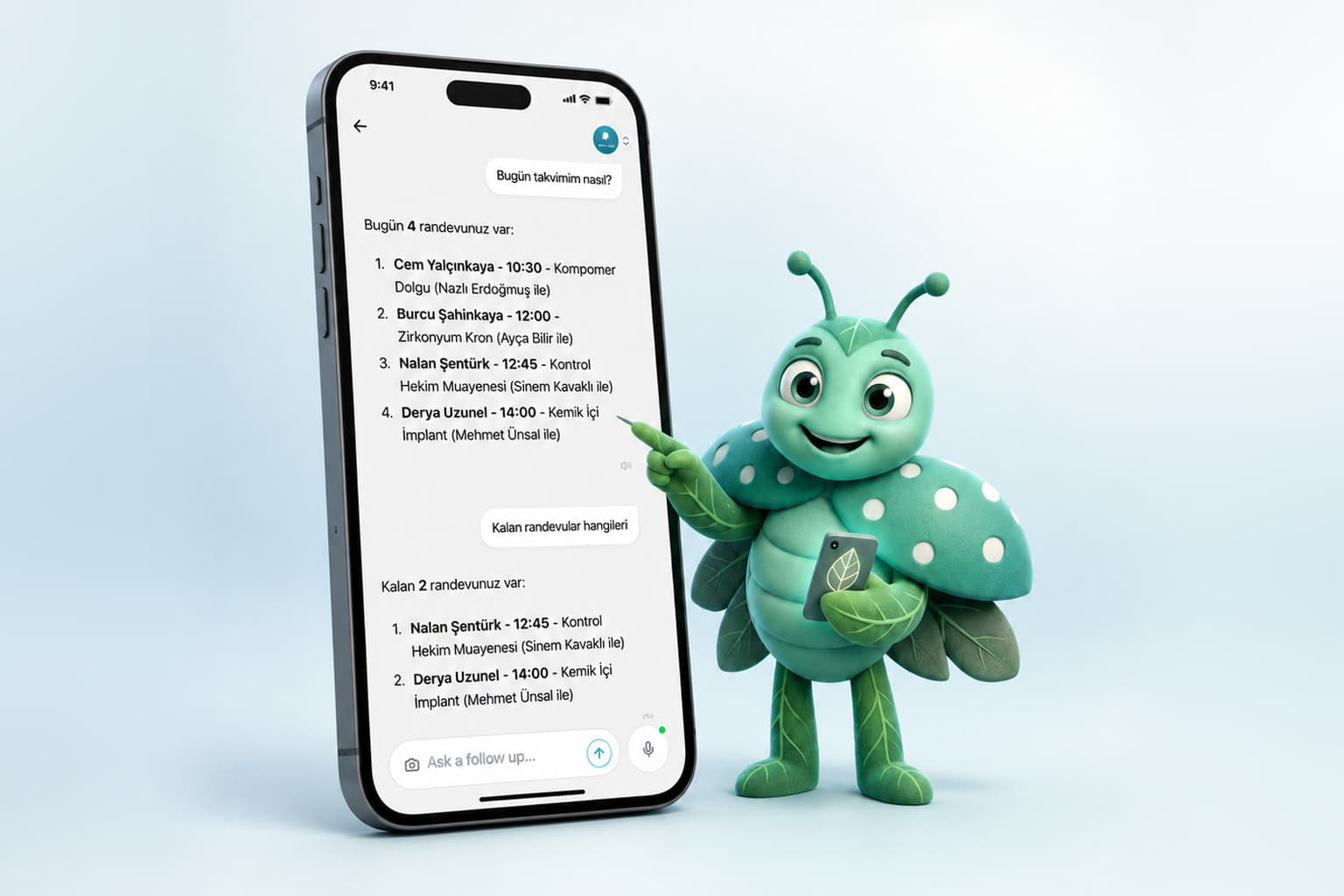
In any business that runs on appointments, the tiring part usually isn't the work itself. It's everything around it. The tiredness hits at 9 PM, when your phone buzzes with one more "any chance you can fit me in Thursday?" You tap out a reply. Next morning you spot two people booked into the same slot. Then you're staring at a name in your book, trying to work out which contact in your phone it belongs to. That's where the real weight sits. Not in the twenty minutes with the client, but in all the fuss surrounding it.
Mio exists to take that weight off you. Calemio's AI assistant is, in plain terms, an extra pair of hands running the front desk. Your business could be a salon, a dental clinic, a vet's office, a fitness studio, a law practice, or a photography studio. Wherever appointments drive the day, Mio does the same job: it folds the phone, the notebook, and the WhatsApp thread into one calm flow.
Let's walk through what it actually does.
The short version
Mio is Calemio's AI assistant. It opens appointments, takes on confirmations and no-show follow-up, reschedules by voice command, and sends automatic reminders 24 hours and 2 hours before each appointment. It speaks your clients' language, respects quiet hours, and pulls up each client's history before they arrive. Full Mio comes with the Pratik plan.
It Books the Appointment for You
This is the core of it. A client calls or messages, and you tell Mio in plain language: "Book Mr. Demir in for Tuesday at 2 PM." Mio holds the slot right away. If the client is new, it sends a short intake form, and the name, contact details, and a few basics fall into place on their own. If they're already on file, it fires off a confirmation instead.
Notice the five manual steps that just disappeared: open the calendar, find a free slot, create the card, write the confirmation, set the reminder. Mio pulls all of that out of a single sentence. You state the intent; it handles the rest.
It Takes On Confirmations and No-Show Follow-Up
Opening the appointment isn't the end of the job. It still needs confirming, the no-show still needs chasing, the freed-up slot still needs filling. Mio runs that follow-up itself. It watches the appointments waiting on a reply, nudges gently when none comes, and logs a no-show when it happens. So the question "did that one actually get confirmed?" stops whispering at the back of your day.
No-shows are the quiet cost line of every appointment-based business. Automatic confirmations and reminders bring that number down noticeably, and empty slots don't slip past unnoticed.
It Talks, and Reschedules, by Voice
When your hands are full, reaching for the phone is awkward. You can just speak to Mio. Say "move my last appointment today to tomorrow morning," and it finds the slot, tells the client the new time, and warns you if anything clashes. That's what rescheduling means here: instead of cancelling an appointment and rewriting it by hand, you move it with a single sentence.
The nice part is that Mio understands natural language. You can ask "am I free Thursday afternoon?" without memorizing any commands. You talk to your calendar the way you'd talk to a colleague.
It Reminds Clients 24 Hours and 2 Hours Ahead
Mio sends every client an automatic SMS or notification 24 hours and 2 hours before their appointment. That two-layer timing is deliberate: the day-ahead message plants the plan, and the two-hour one stops it getting lost in a busy day. You also get back those minutes you'd otherwise spend texting people by hand.
And Mio knows when to stay quiet. It respects quiet hours, so nobody gets pinged at midnight. It also adapts to the client's language, meaning the message lands in a language they actually read.
It Pulls Up History Before the Appointment
Before a client walks in, Mio opens their card. What happened last time, which note was left, where payment stands, all of it in front of you. You never have to ask, "sorry, remind me what you came in for last time?" The client feels remembered; you start prepared.
A Concrete Example: A Conversation with Mio
Nothing captures the feel of it like a real moment. Say you're mid-day, hands full:
You: "Mio, book Ms. Yilmaz in for Thursday at 3 PM."
Mio: "Thursday 3 PM is open. I found Ayse Yilmaz on file; her last visit was three weeks ago. I'm sending the confirmation and setting reminders for 24 hours and 2 hours ahead. One thing: you already have an appointment at 2:30 just before that. Want me to leave a buffer between them?"
You: "Yes, leave one. And move Friday's first appointment to the afternoon."
Mio: "I've moved the Friday 9:30 appointment to 2 PM. I've told the client the new time and I'll ask them to confirm. No other clashes."
Four jobs done in one conversation: the appointment booked, the history checked, the reminders set, and one appointment rescheduled. All you produced was a couple of sentences.
Where Does Mio Live?
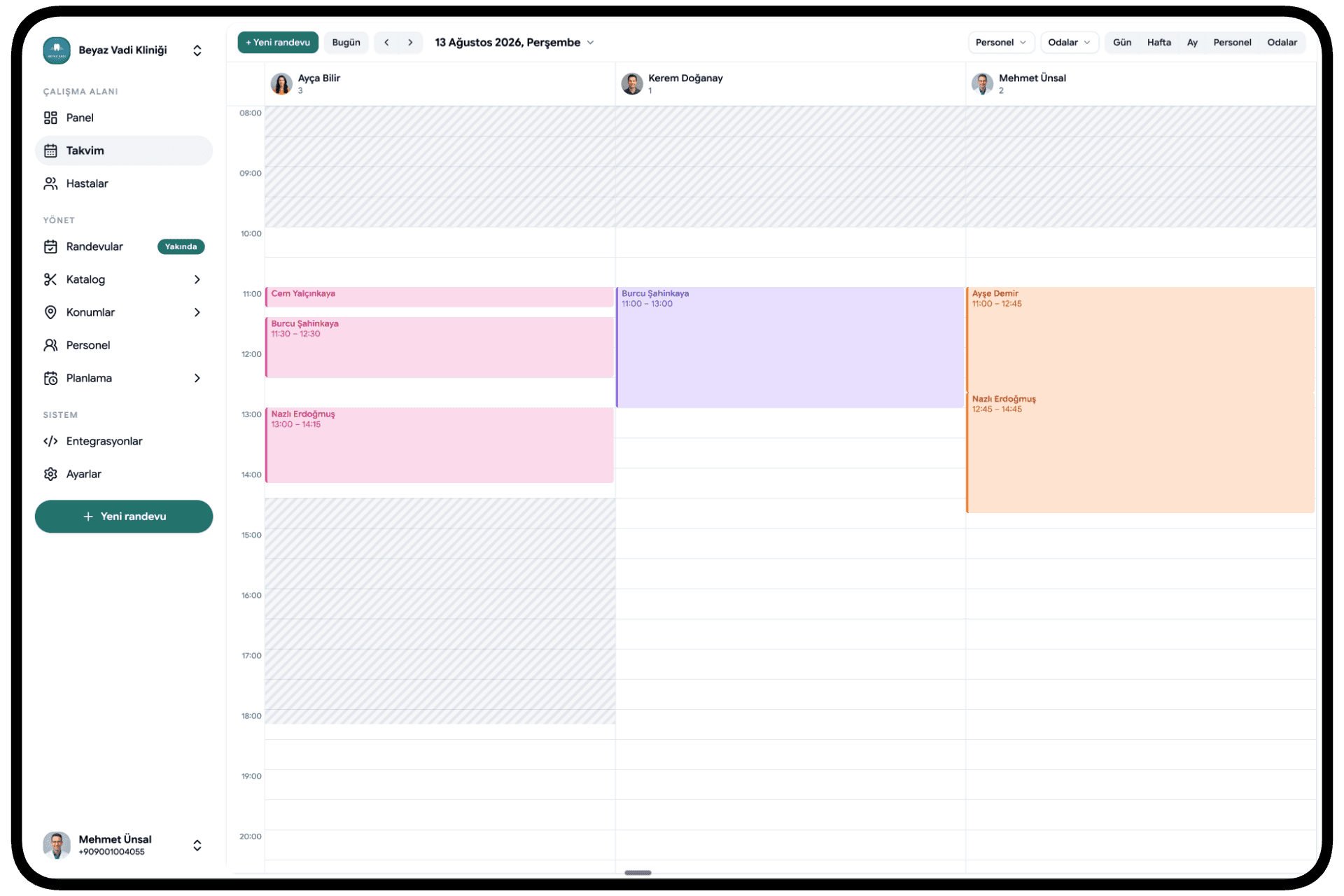
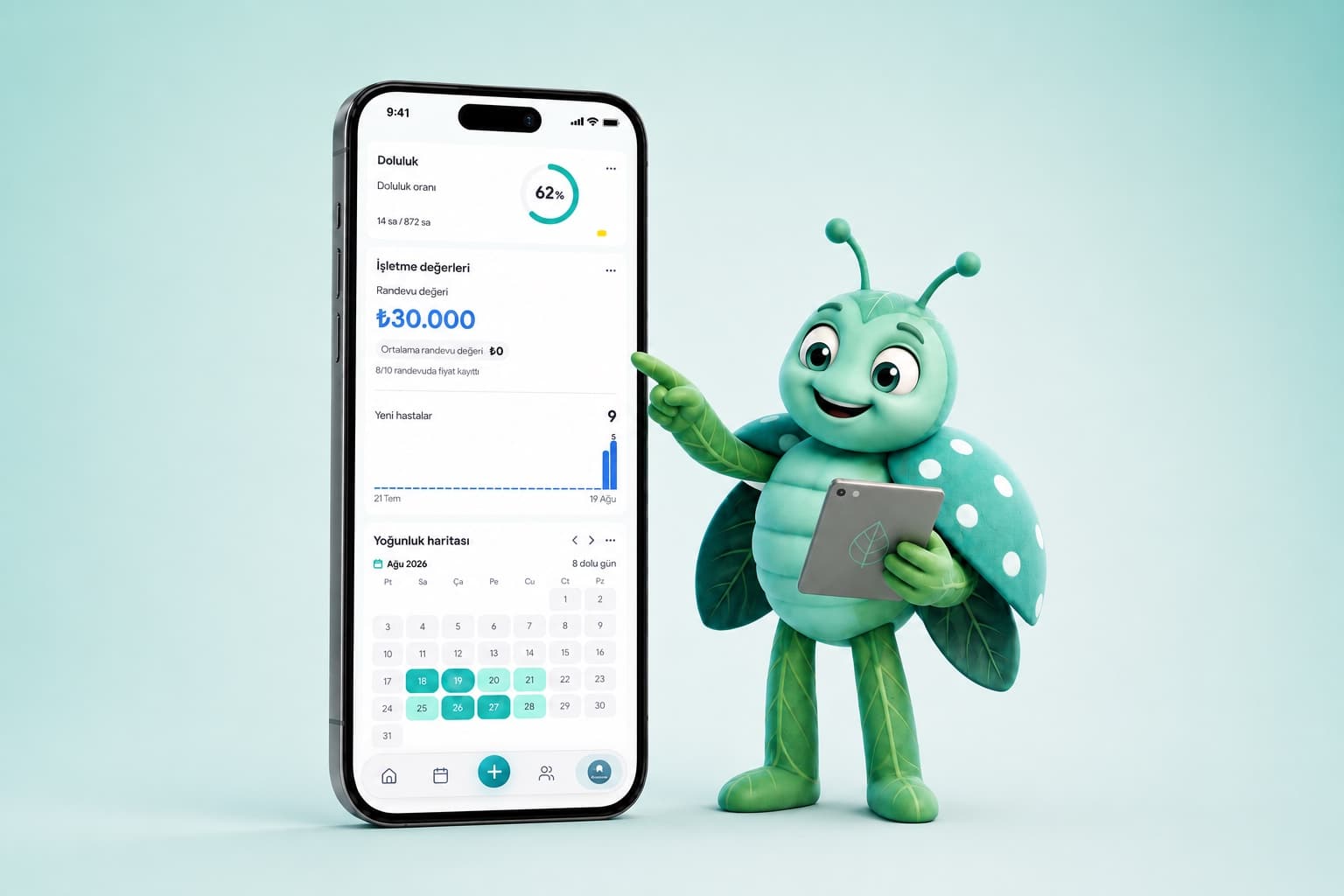
Mio works inside Calemio. Because the web portal and the mobile app sync in real time, a command you give on your phone shows up on the desktop the same instant. Full Mio, meaning voice command and rescheduling included, comes with the Pratik plan. That package also covers unlimited clients and appointments, SMS & WhatsApp reminders, custom form and note templates, and revenue and occupancy reports. You can start with a 14-day free trial, no credit card needed. The current price is always there to check in the app or on the site.
The appointments Mio books have an outward-facing side too: your clients can book themselves, 24/7, through the online booking link. If you'd rather see the whole system Mio runs inside, our pieces on what Calemio is and everything it does are a good place to start.
So, Will Mio Change How You Work?
Mio won't look after your client for you. It shouldn't. What it does is quietly take on everything around that care: writing confirmations, setting reminders, flipping through the book, the low hum of "did I forget something?" Open the app in the morning and the day is laid out; close it at night and tomorrow's reminders are already on their way.
The time left over? That belongs to you and your client. If you'd like to try it, you can start free; we don't ask for a card.
Frequently Asked Questions
What does Mio actually do?
Mio is Calemio's AI assistant, best thought of as an extra pair of hands running your front desk. It books appointments, takes on confirmations and no-show follow-up, reschedules by voice command, sends reminders, and pulls up a client's history before they walk in.
What kind of business is Mio for?
Anywhere appointments drive the day. A salon, a dental clinic, a vet's office, a fitness studio, a law practice, a photography studio — Mio does the same job in all of them, folding the phone, the notebook, and the WhatsApp thread into one calm flow.
What do I have to do to get an appointment booked?
Just say what you want: "Book Mr. Demir in for Tuesday at 2 PM." Mio holds the slot right away. If the client is new, it sends a short intake form; if they're already on file, it fires off a confirmation instead. Five manual steps — opening the calendar, creating the card, writing the confirmation — disappear.
How does Mio handle clients who don't show up?
It runs the follow-up itself. Mio watches the appointments waiting on a reply, nudges gently when none comes, and logs a no-show when it happens. No-shows are the quiet cost line of every appointment-based business, and automatic confirmations and reminders bring that number down noticeably.
When do reminders go out, and could a client get pinged at midnight?
Mio sends an automatic SMS or notification 24 hours and 2 hours before every appointment. The day-ahead message plants the plan; the two-hour one stops it getting lost in a busy day. It respects quiet hours, so nobody gets pinged at midnight, and the message lands in the client's own language.
Do I need to memorize commands to use voice?
No. Mio understands natural language — you talk to your calendar the way you'd talk to a colleague. Say "move my last appointment today to tomorrow morning" and it finds the slot, tells the client, and warns you of clashes. Full Mio, voice and rescheduling included, comes with the Pratik plan and a 14-day free trial.
Related articles


Start using Calemio for free
Encrypted, compliant and simple. Built for independent therapists and clinics.
Start free