
It's 9 PM. You closed up hours ago and you're on the couch. The phone buzzes: "Any chance you could fit me in tomorrow?" You reply. You check the day. You suggest a time. That time's taken. You reply again. Five messages later, one booking. If that scene feels familiar, the fix hides in a single sentence: let the client book it themselves.
That's exactly what an online booking link does. You hand your client a link; whoever taps it sees your open slots, picks one, types in their name, and they're done. You might be asleep the whole time. When you wake up, the appointment is already sitting in your calendar.
What Is an Online Booking Link?
The short version
An online booking link lets your clients see your free slots and book themselves, 24/7, from the web or the app. The moment they book, they get an automatic SMS confirmation and the slot fills in your calendar instantly. You set your working hours, appointment lengths, and any buffer time once, and the system handles the rest.
The old way ties every booking to you. The phone rings, you answer; a message lands, you reply. Which means a client can only book when you happen to be free. But people decide at odd hours, late at night, on a break, on the way out of work. If nobody's watching the phone right then, that booking either slips to later or disappears for good.
An online booking link removes that dependency. You drop the link on your website, your Instagram bio, your WhatsApp status, your business profile, wherever your clients already are. They tap it whenever, and they only see slots that are genuinely open. Booked times simply don't show, so there's nothing to double-book.
How It Works, Start to Finish
It's refreshingly simple. Three taps on the client's side, one glance on yours.
The client opens the link and picks a service. Then they choose one of the open slots showing as available. They enter their name and phone number, confirm, and within seconds an automatic SMS confirmation lands on their phone: "You're booked." At the same instant, that slot fills in your calendar, so nobody else can grab it.
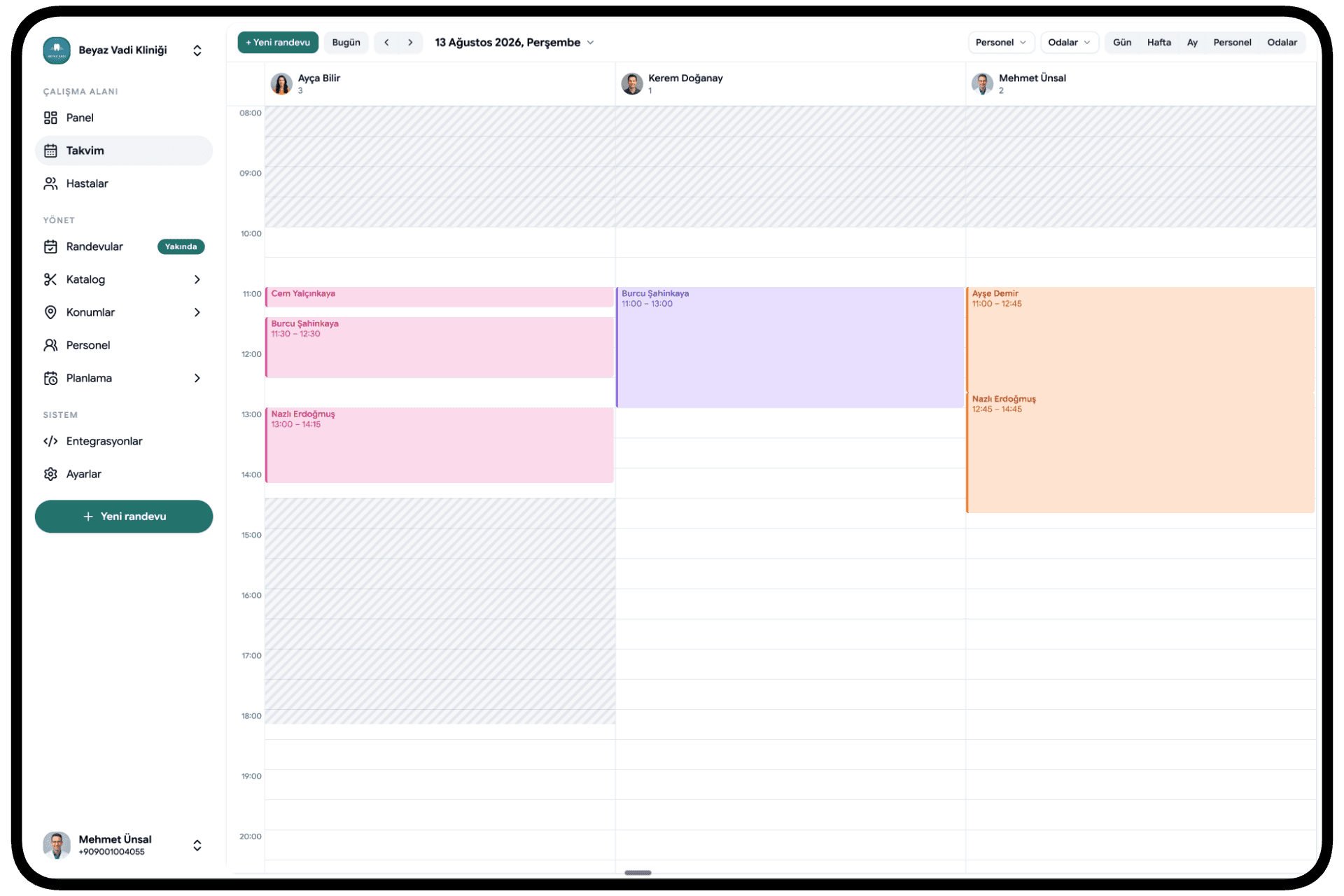
When you open the app in the morning, the day is already laid out. Who's coming, at what time, for which service, all on one screen. You messaged nobody. You never once wrote "sorry, that's taken, how about this?" The system ran the front desk for you.
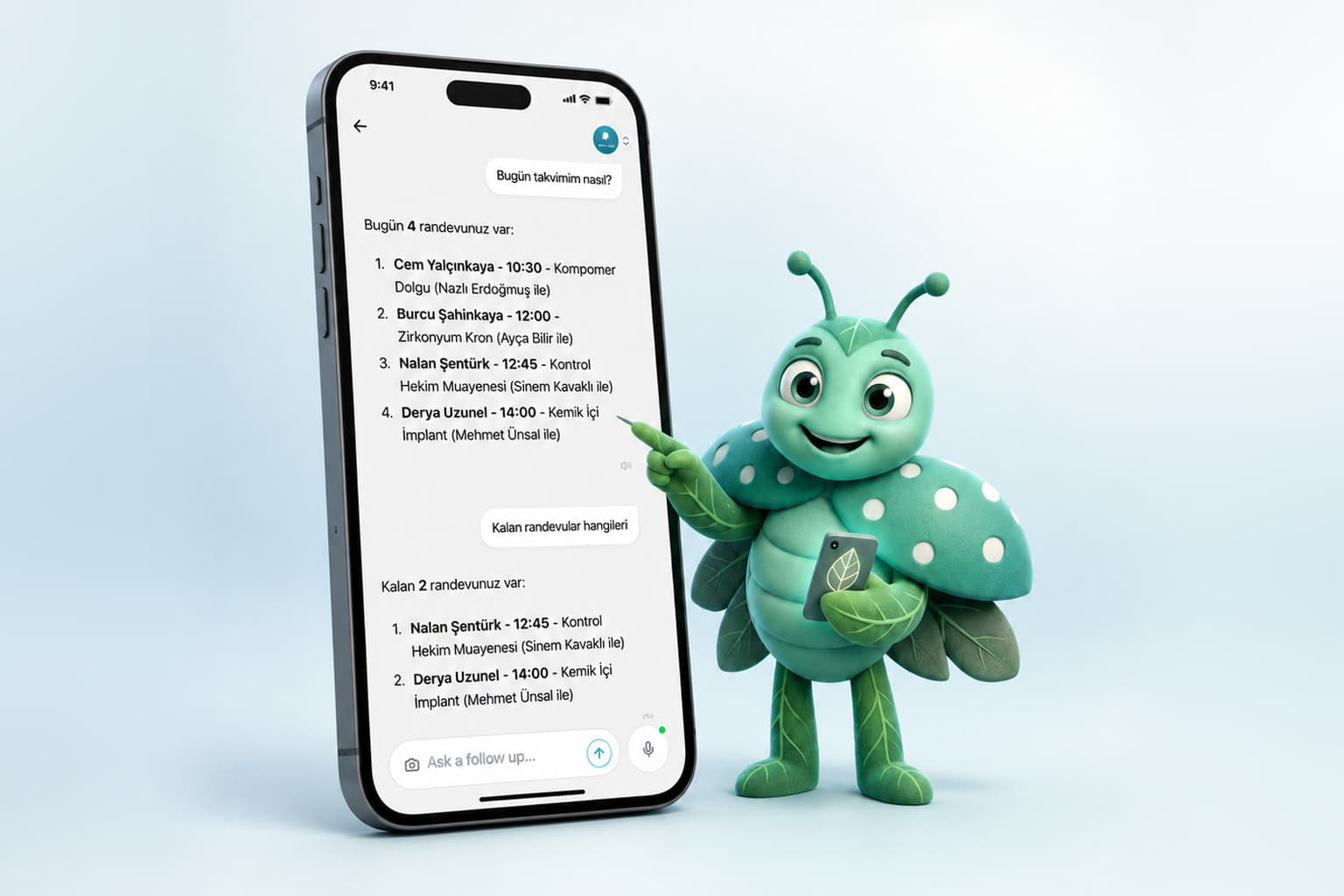
If you want to take booking a step further, take a look at what the Mio AI assistant does, which runs this whole flow by voice and in plain language.
Working Hours, Durations, and Buffers: You Stay in Control
The worry, "if anyone can grab any slot, I lose control", is fair but misplaced. Clients only ever see the times you allow. You set the rules once; the system enforces them.
Working days and hours. Which days are you open, and from when to when? Is there a lunch break? You define it, and everything outside those windows is invisible to clients.
Appointment durations. If one service runs 30 minutes and another runs 90, the system slices your day accordingly. Pick a 90-minute service, and a slot won't open unless there's real room behind it.
Buffer time. You want a gap between appointments, to breathe, to reset, to write a quick note. Add a buffer, and the system won't stack bookings back to back. So the day stays livable in practice, not just on paper.
Don't let the setup scare you off; it's a one-time thing that then runs itself. You'll find the rest of the settings gathered in the Calemio features overview.
Bookings Even Outside Your Hours
Here's the part most people overlook. An online booking link works even when you don't.
Picture it: a client picks up their phone on a Sunday night, while you're closed, and wants a Tuesday-morning slot. In the old setup, they message you, your reply comes around Monday noon, and by then they might have changed their mind. With a link, they tap on Sunday night, pick Tuesday at 10:00, and they're done. By the time you wake up on Monday, the booking is already made.
So your business doesn't shut when your day ends; it keeps taking appointments. That's a real edge with clients who decide in the evenings and on weekends. Every "I'll sort it out later" you miss is, in truth, a booking you lose.
And the Effect on No-Shows?
The most maddening bookings are the ones that get made and never show. That empty slot is both lost time and lost income. An online booking link helps here on two fronts.
First, because clients book it themselves, they feel more committed to it. A time they picked isn't something done to them; it's a promise made with you. Second, the automatic SMS confirmation puts the appointment in black and white on their phone, clearing up any "wait, what time was that, which day?" fog.
Small setting, big difference
Online booking paired with automatic confirmation noticeably lowers no-shows. Turn on reminders too and the effect gets stronger still; a short message before the appointment heads off the forgetting before it starts.
Want to push it further? The system can send automatic reminders 24 hours and 2 hours before the appointment. The client doesn't forget, and you don't have to call. The result: a fuller calendar and fewer hours going to waste.
Who Is This For?
Just about any business that runs on appointments comes out ahead. A color service at a salon, a follow-up at a clinic, a one-on-one at a studio, a first consultation in an advisory practice, they all share the same headache: getting the right person into the right slot without a clash.
If you work solo, an online booking link hands you an assistant; instead of wrestling with the phone, you focus on the work. If you work with a team or across several locations, everyone's calendar lands in one place and clashes are blocked from the start.
Not sure where to begin? We'd start by looking at what Calemio is and how it's set up. After that, it's a matter of minutes.
In Short
An online booking link takes the weight of booking off you and hands it to your clients, in the most natural way possible, at the moment they actually want to. Open slots show 24/7, booked ones stay hidden, and every appointment comes with an automatic SMS confirmation. You set your hours, durations, and buffers once; the system runs the rest. Instead of waiting for the phone to buzz at night, you start the day with a calendar that's already filling.
It's worth checking the app for current pricing. You can start a free trial, no credit card needed.
Frequently Asked Questions
What is an online booking link?
It's a link that lets your clients see your free slots and book themselves, 24/7, from the web or the app. Whoever taps it picks an open time, enters their details, and gets an automatic SMS confirmation. At the same moment the slot fills in your calendar, so there's no risk of a clash.
Can clients book outside my working hours?
Yes. The link works even when you're closed, so a client can tap through on a night or weekend and pick a slot. But they only ever see open times that fall on your working days and hours; everything outside those windows stays invisible to them.
Will appointments double-book?
No. The instant a slot is taken it's marked as booked in the calendar and closes to everyone else. Because you also set appointment durations and buffer time, bookings won't pile up back to back either.
Does online booking reduce no-shows?
Usually, yes. Because clients book the appointment themselves, they feel more committed to it, and the automatic SMS confirmation puts the time and day clearly on their phone. Add the automatic reminders sent before the appointment and the effect grows stronger still.
Is it hard to set up?
No. You set your working days, appointment durations, and buffer time once, and the system runs the rest on its own. Setup takes minutes, and you can start with a free trial, no credit card required.
Related articles

Start using Calemio for free
Encrypted, compliant and simple. Built for independent therapists and clinics.
Start free